Get the Notion Backlist Widget
You've spent years building your backlist. Your readers shouldn't have to hunt for it. Drop your books into a Notion database—covers, series info, and buy links for every retailer—and let the widget do the rest. One horizontal shelf that readers can browse the moment they land on your Notion page.
All your books in one place
Every title you've published, in a clean scrollable shelf. Covers pull from your Notion database automatically, and series stack in the right order so readers can always find book one.
28+ retailer buttons, built in
Amazon, Barnes & Noble, Apple Books, Kobo, Audible, BookShop, Waterstones, Libby, Hoopla, Libro.fm, and more—icon buttons for every store, visible right on the card. If a book isn't on a store, that button doesn't appear.
Tap a book, see everything
Clicking a book cover opens a detail panel with the blurb, your top three buy links as quick pills, and a shortcut to every other store. Everything a reader needs to decide and buy, in one place.
Overflow stores, never buried
The globe button on each card opens a full list of every retailer for that book. No link ever gets cut off or hidden because there wasn't enough room.
Always in sync with your Notion database
Publish a new book in Notion, set its status to Published, and it appears in the widget the next time the page refreshes. No re-embedding, no republishing, no manual updates.
Unlimited books. One price.
There's no cap on how many titles you add, and every feature I add in the future is included free. You pay once.
Made for indie authors, hybrid authors, and anyone with a backlist worth showing off.
Your private setup link is emailed right after purchase. All sales final.
Other widgets you might like.
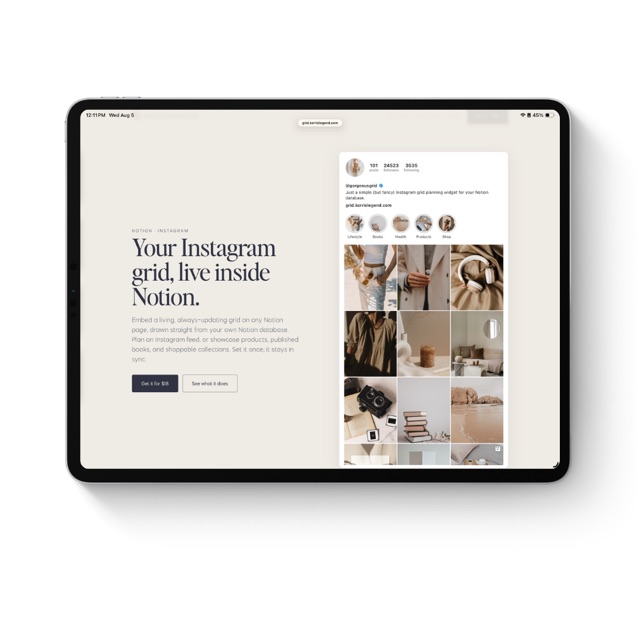
Grid
Your Instagram grid, live inside Notion.
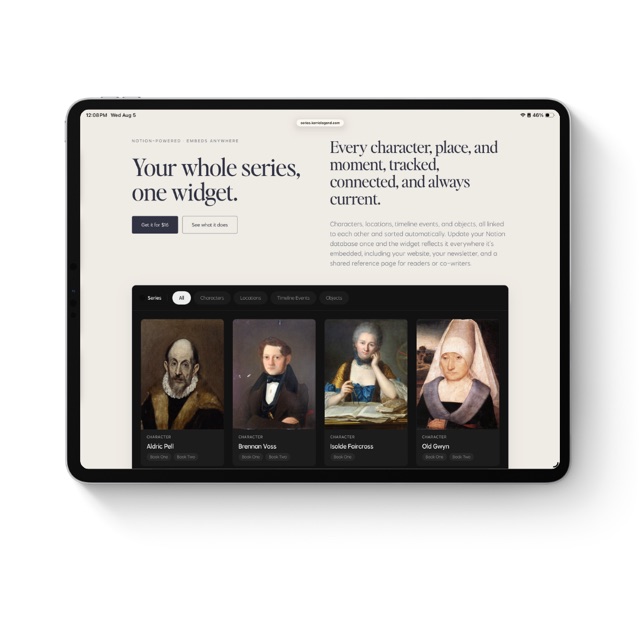
Series
Your whole series, one widget.
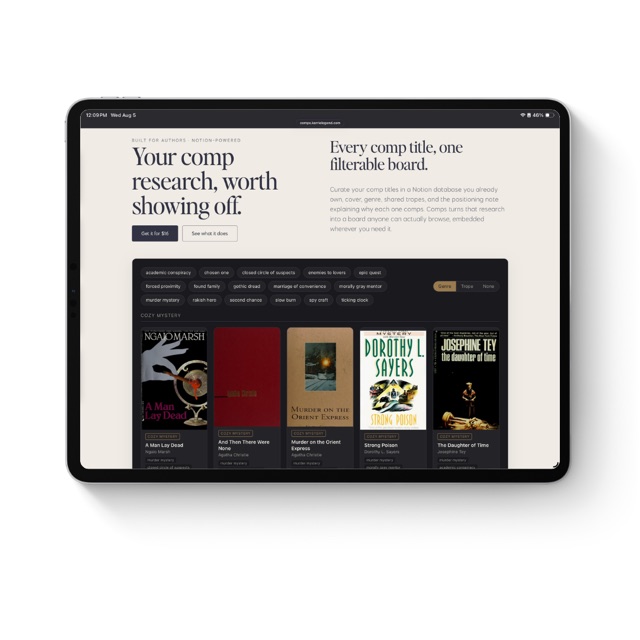
Comps
Your comp research, worth showing off.
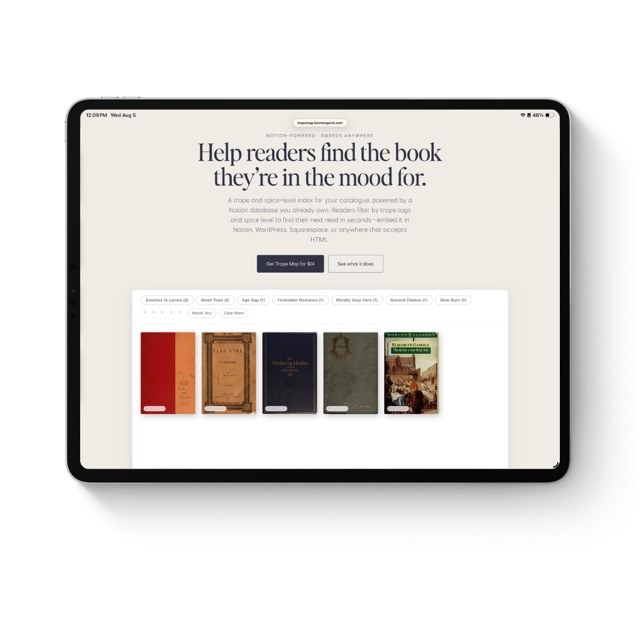
Trope Map
Help readers find the book they're in the mood for.
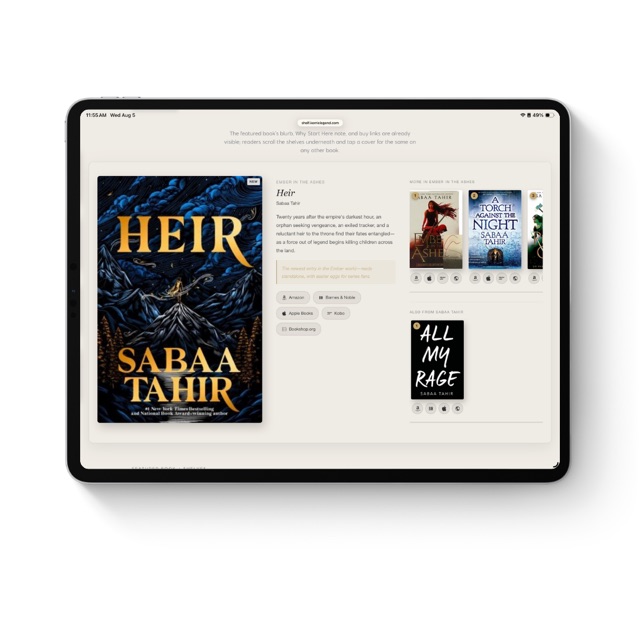
Shelf
Your featured book, your shelves, one widget. Embed it anywhere.
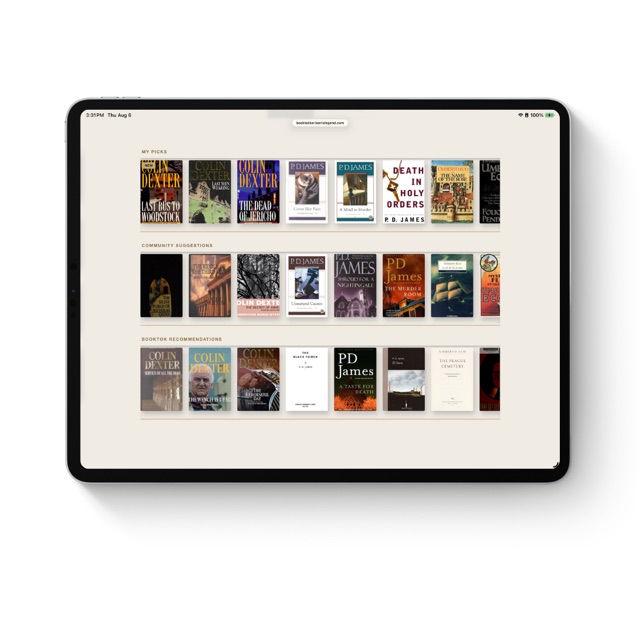
Booktokker
Your TBR, three shelves, one widget. Embed it anywhere.
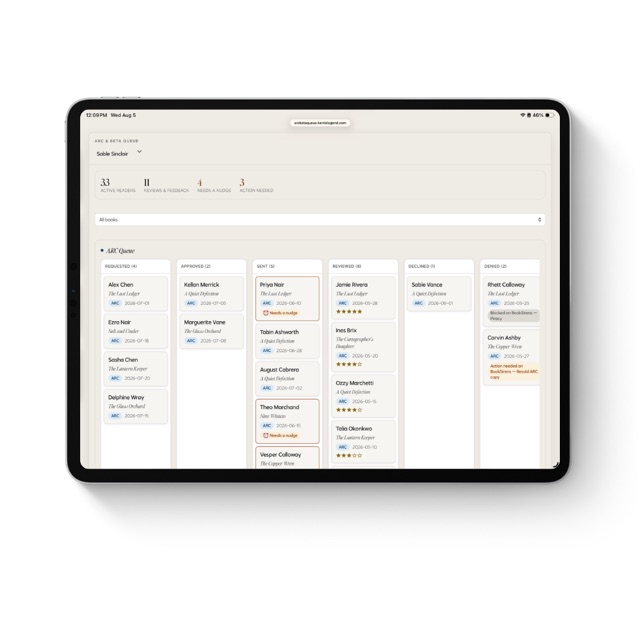
ARC & Beta Queue
The reader tracker that tells you who needs a nudge.
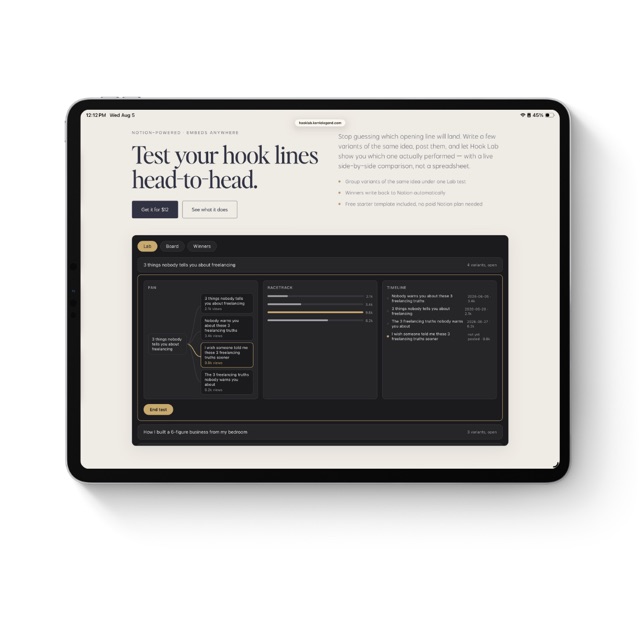
Hook Lab
Test your hook lines head-to-head.
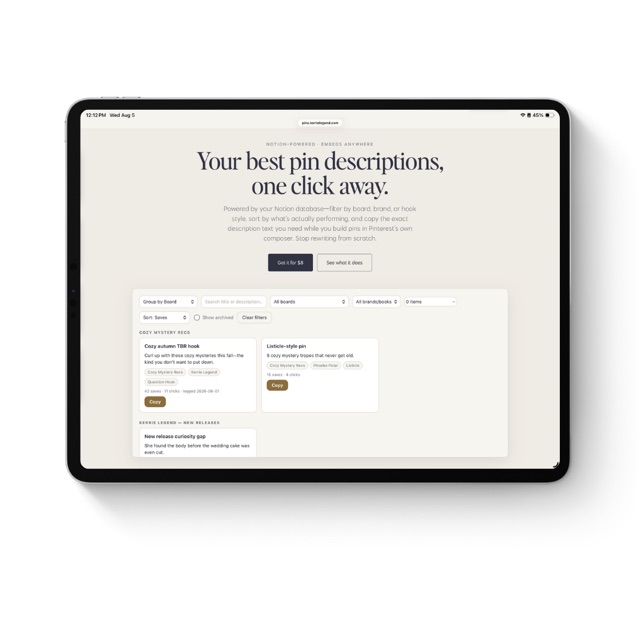
Pins
Your best pin descriptions, one click away.
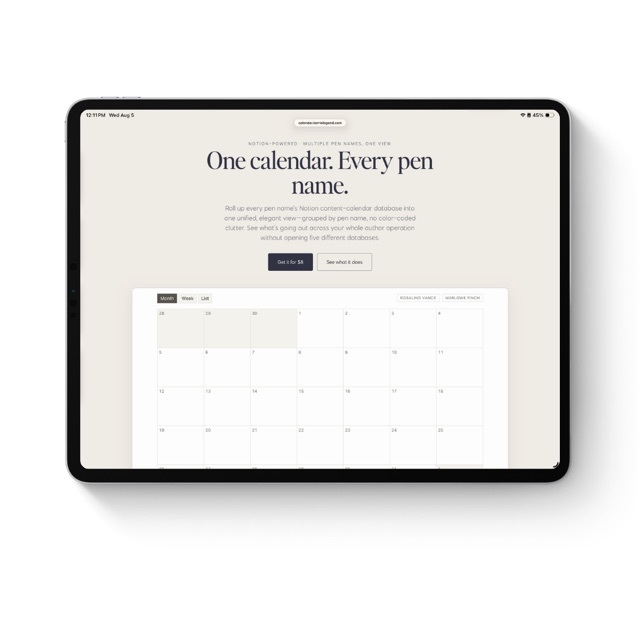
Calendar
One calendar. Every pen name.
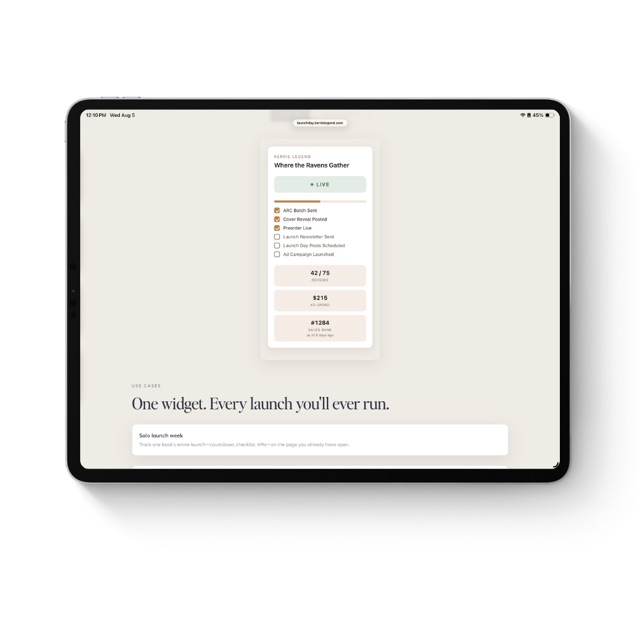
Launch Day
Your launch week, one glance in Notion.
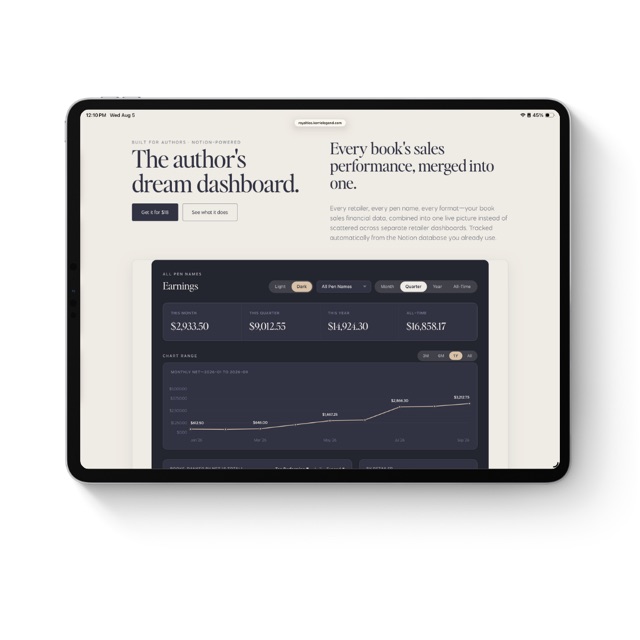
Royalties
Every retailer, every pen name, one live royalty dashboard.